Your Mac listens. Nobody else.
Speech recognition runs on your Mac. Recordings and dictations are neither kept as a history nor sent anywhere. The microphone is only on while you dictate.

Dictation. Locally on your Mac.
A thought, a message, a whole page. Hold a key, speak, let go. inlaut writes wherever your cursor is.
Free Version 0.2.0 for Apple silicon, macOS 26 or later
A thought for later
Say more.
Type less.
The best ideas don’t always come at the keyboard. Sometimes you just have to say them out loud.
inlaut stays in the background. And it’s there when you have something to say.
Speech recognition runs on your Mac. Recordings and dictations are neither kept as a history nor sent anywhere. The microphone is only on while you dictate.
Choose English, Deutsch or Deutsch + English. The bilingual mode even understands both languages mixed in one sentence. Alternatively, use the local Apple speech recognition, which needs less memory.
Email, note or document: your dictation lands straight in the active text field. You stay in the app you’re working in.
Custom replacements fix recurring mistakes. Say “new line” and “new paragraph” to structure your text as you speak.
A small indicator while you speak. A menu in the menu bar. And a window for your settings.
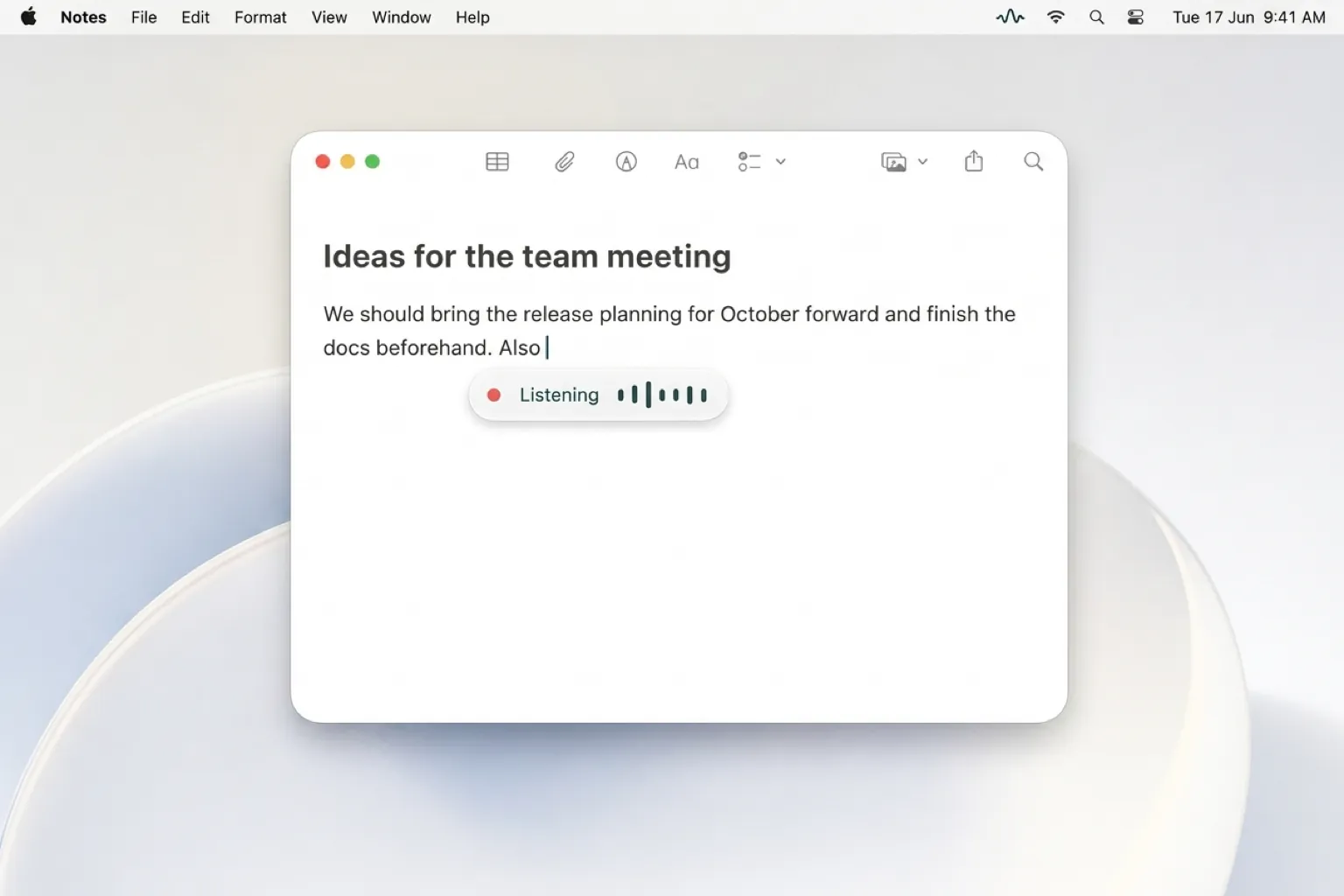
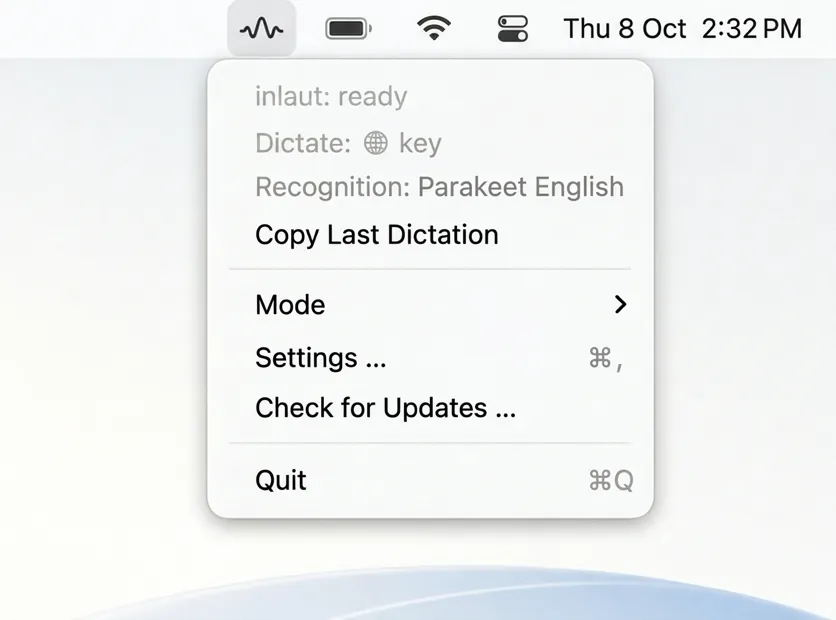
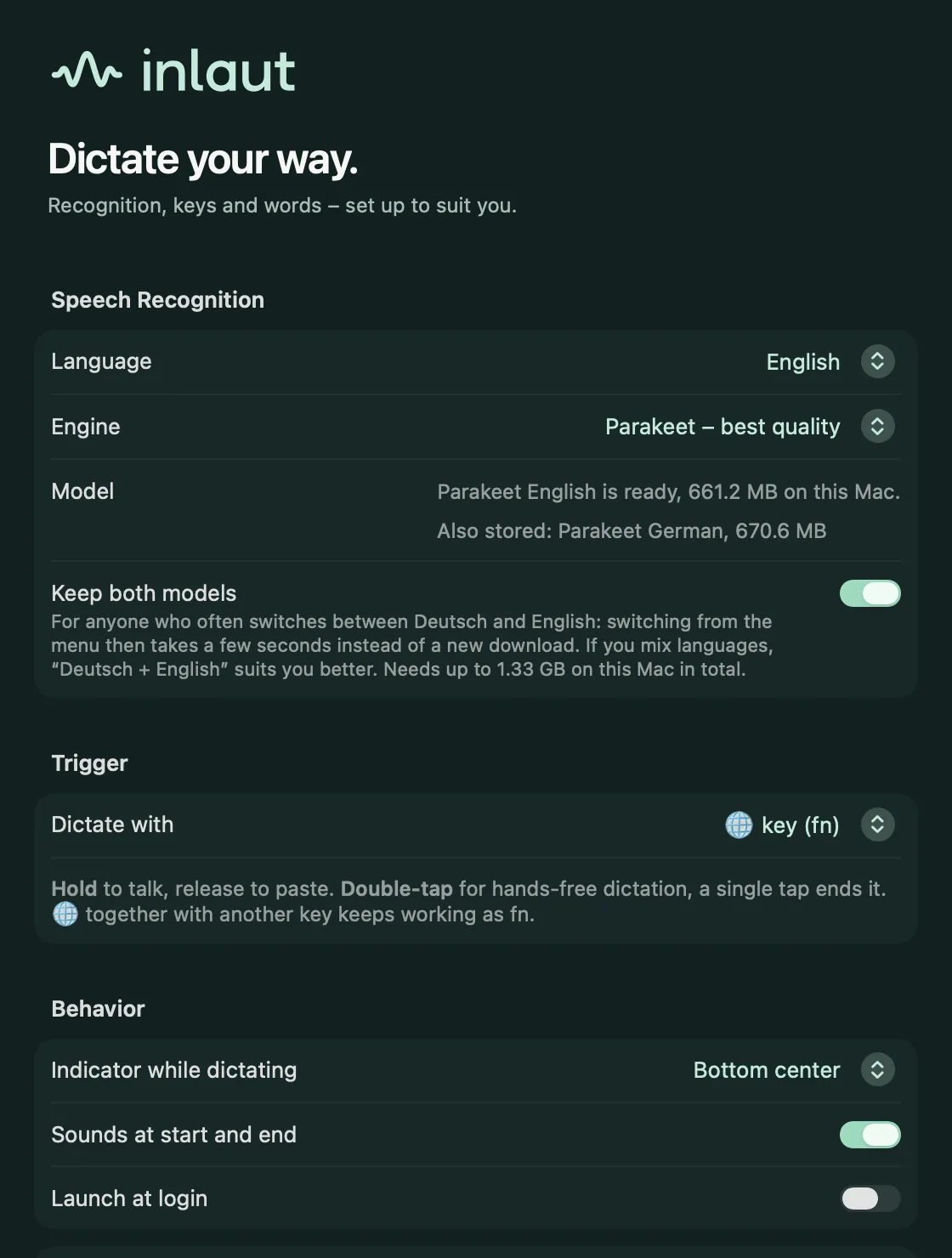
One key is all it takes. inlaut does the rest on your Mac.

Open the DMG file and drag the inlaut icon onto the Applications folder. Then start inlaut from Applications. The app downloads the speech model (around 660 MB) and walks you through the permissions for the microphone and pasting.
Use your key combination or set up the 🌐 fn key. Double-tap fn to start hands-free dictation.
inlaut turns your words into text and inserts it at the cursor. In hands-free mode, another key press ends the recording.
For everyone who speaks faster than they type. A few everyday examples.
 AI-generated
Tickets, commits and Slack replies full of technical terms. Internal project details must not end up on someone else’s servers.
With inlaut: He speaks straight into the ticket. Replacements keep tool names right, and recognition runs locally.
 AI-generated
Typing quotes and customer emails after a long day. And please, no more subscriptions.
With inlaut: Hold the key, talk, let go. With “new paragraph” the quote is structured right away. Free.
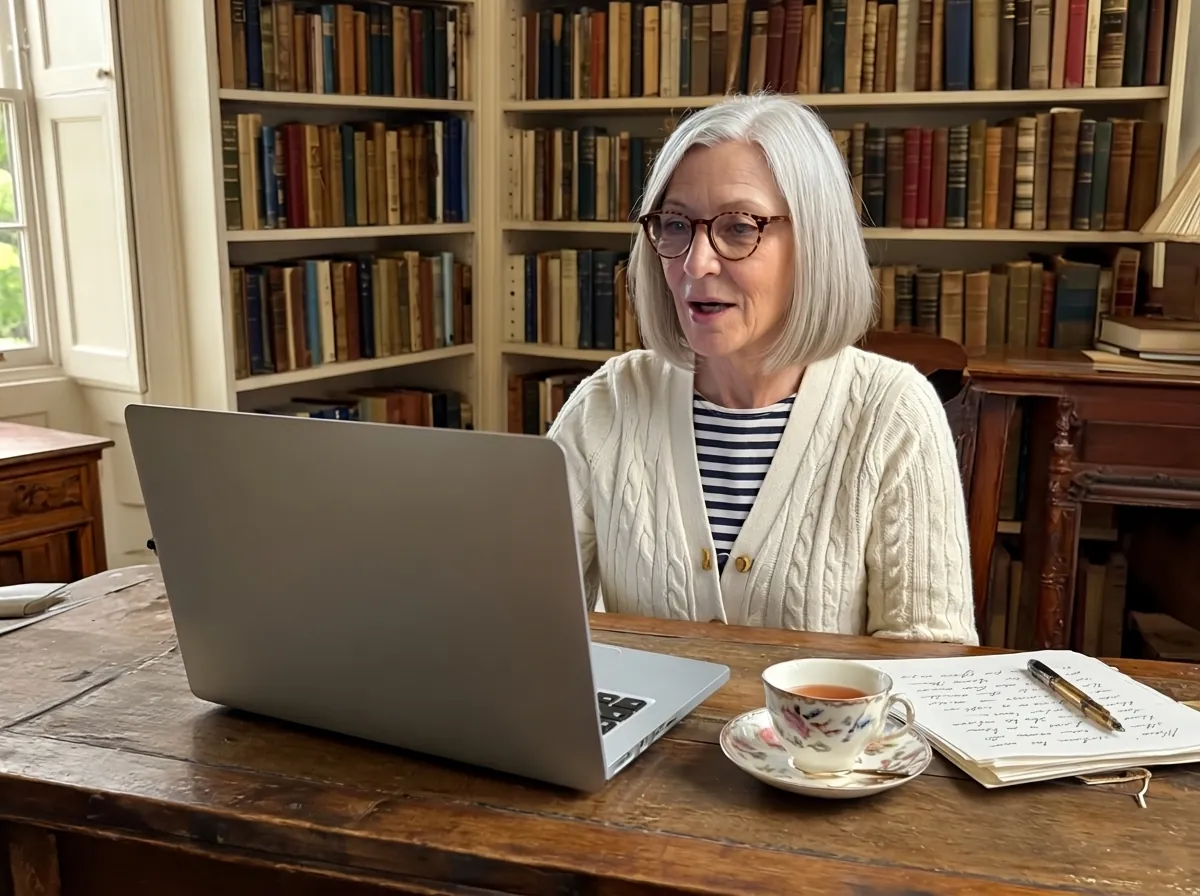 AI-generated
Her thoughts flow faster when she talks than when she types. The manuscript has to stay private.
With inlaut: Double-tap fn and she dictates whole passages hands-free. None of it leaves her Mac.
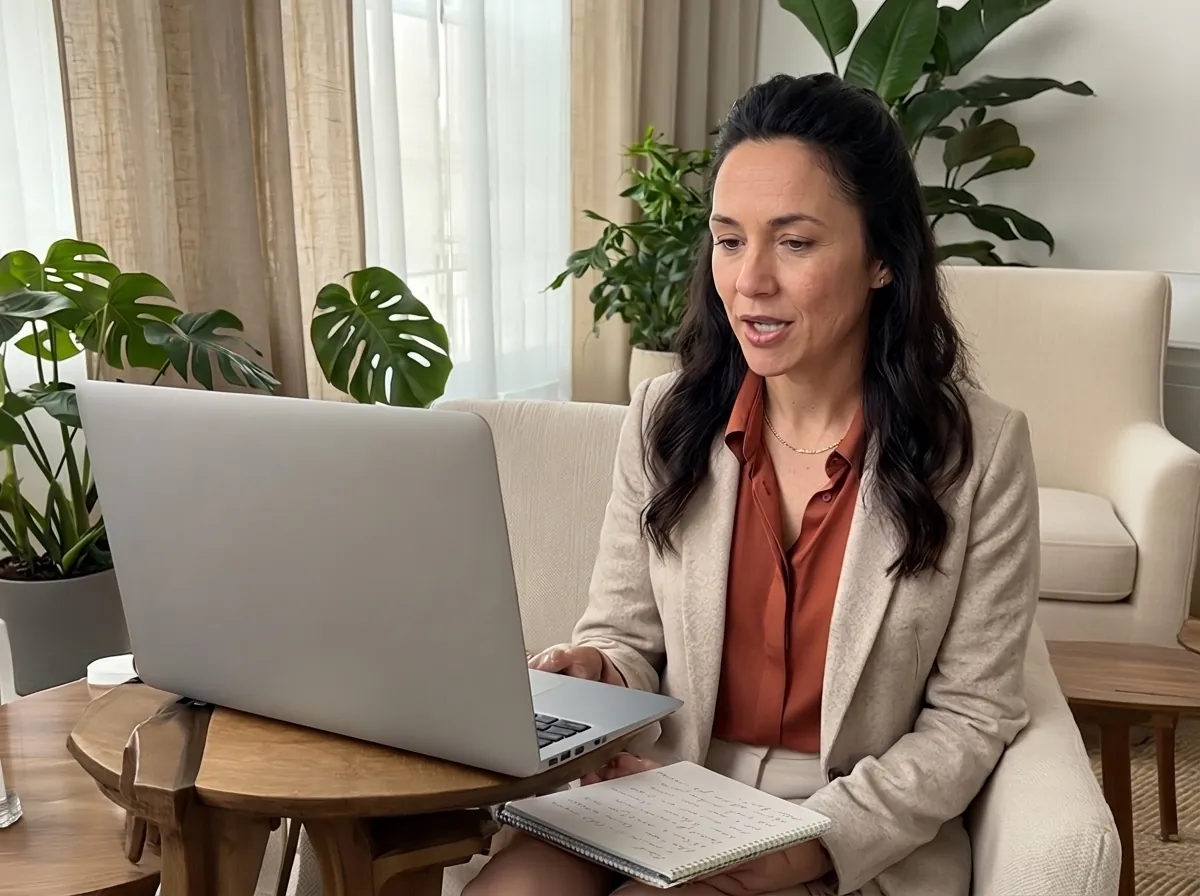 AI-generated
Session notes have to be written down right after each session. And they are confidential.
With inlaut: She speaks her notes into any app. Recordings are neither stored nor sent anywhere.
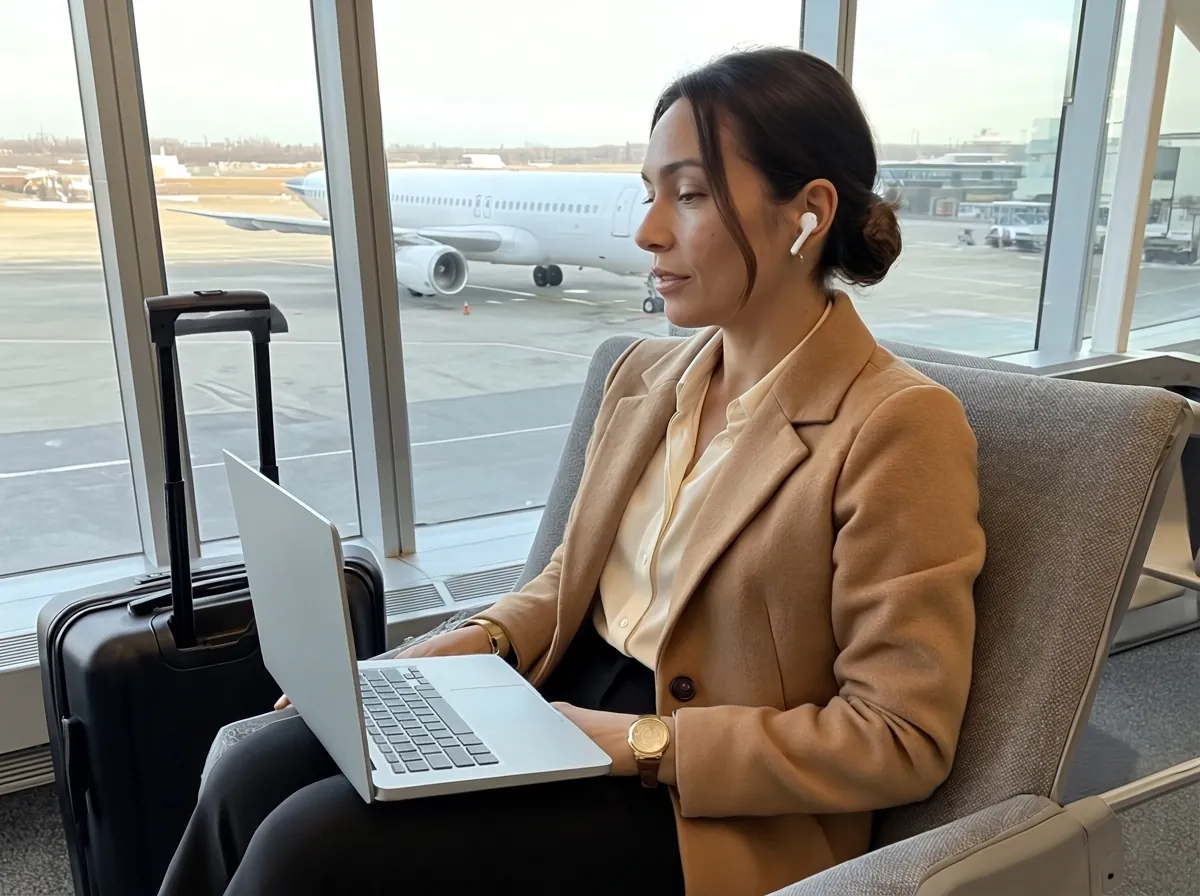 AI-generated
Emails and visit reports at the gate, on the train or on the plane. Often without a connection.
With inlaut: Once the speech model is downloaded, inlaut works without internet.
 AI-generated
Technical terms, customer names and the product’s own name keep getting misspelled.
With inlaut: Add them once as replacements, and the spelling is right in every app.
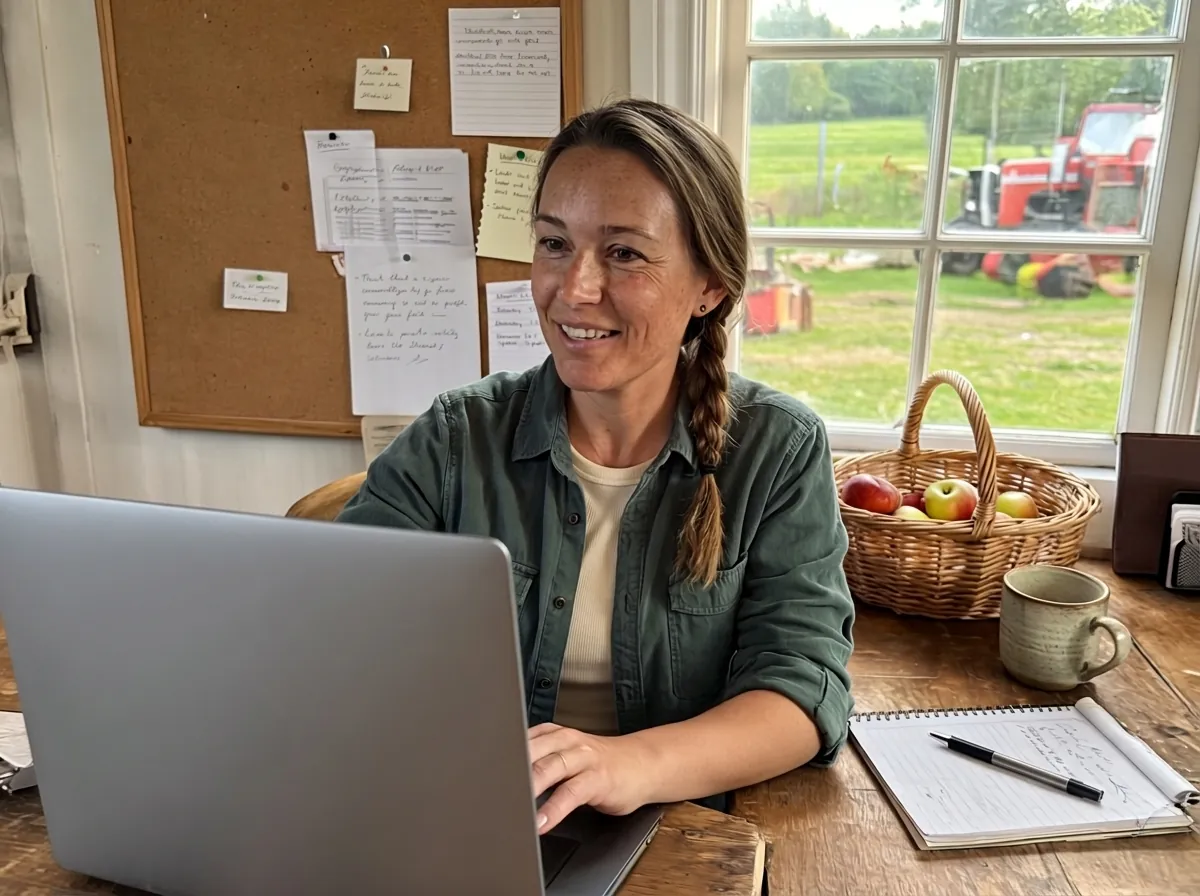 AI-generated
Writing newsletters and posts for the farm shop. On the farm, the signal often drops.
With inlaut: She simply speaks her texts. Once set up, it works without internet too.
 AI-generated
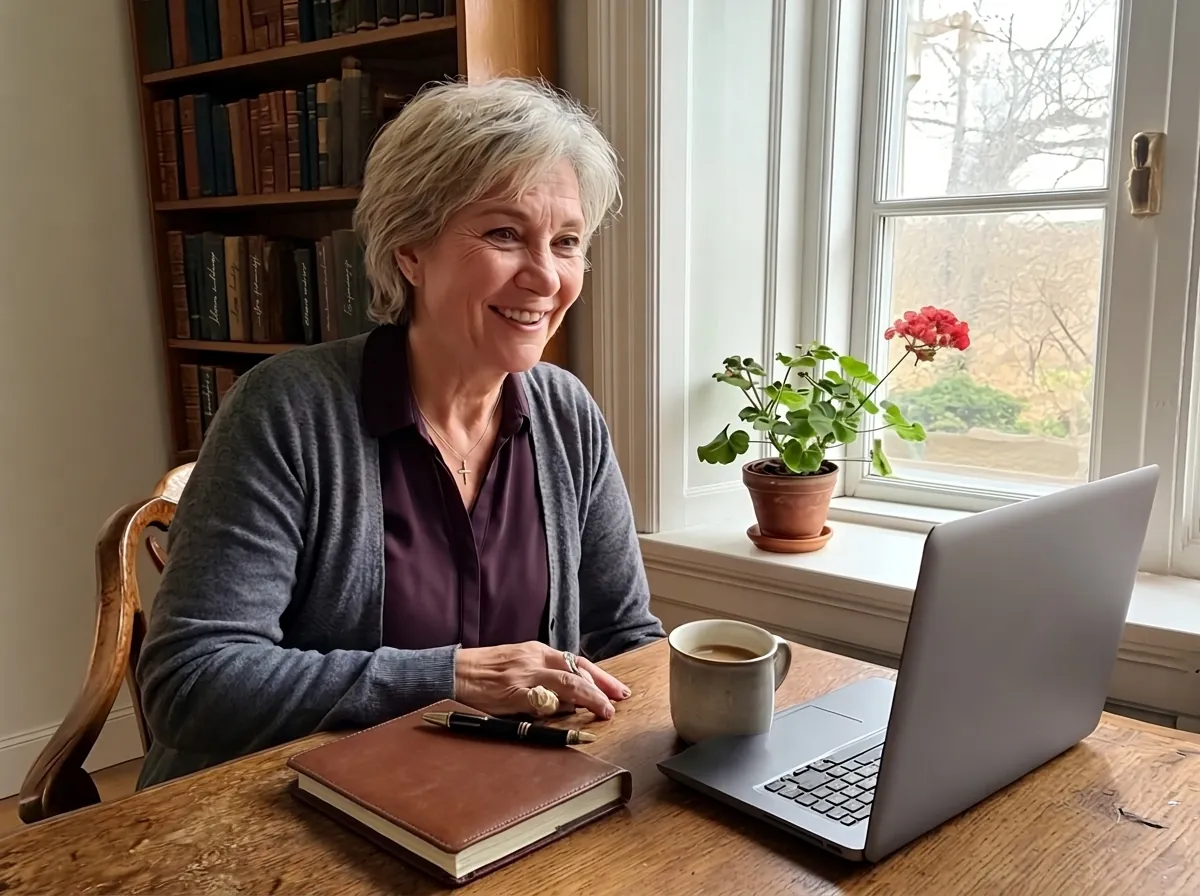
Sunday evening, twenty-two school reports. Every comment still has to be typed.
With inlaut: He speaks the comments, and “new paragraph” structures them. The microphone is only on while he dictates.
 AI-generated
Her sermons take shape as she speaks, and so does the parish newsletter. Names from the congregation often get misspelled.
With inlaut: She dictates straight into the draft. She adds names as replacements, so every spelling is right.
The people are fictional examples. Their images are AI-generated and labeled “AI”.
What inlaut can do, what it needs and where your data stays.
Yes. inlaut is free, with no subscription, no account and no ads. The source code is open source under the GPL-3.0 license and lives on GitHub.
Yes. Speech recognition runs entirely on your Mac. inlaut only needs internet to download the speech model once on first launch (around 660 MB) and to check for updates.
No. Your voice is turned into text on your Mac. Recordings and dictations are neither sent anywhere nor kept as a history. The microphone is only on while you dictate.
Any app with a text field: Mail, Notes, Pages, Word, Outlook, Teams, Slack, your browser or the chat window of an AI assistant. inlaut inserts the text where your cursor is. This needs a one-time permission under Accessibility. Without it, the text stays on the clipboard.
Hold your key combination or the 🌐 fn key, speak and let go. For longer texts, double-tap fn and dictate hands-free. Another key press ends the recording.
English and German. In the settings you choose English, Deutsch or Deutsch + English. With Deutsch + English you can dictate both languages, even mixed in one sentence.
For English, inlaut uses NVIDIA’s Parakeet model, which handles technical terms well. If a word still comes out wrong, add your own replacement, and the spelling is right every time. If you speak English with a German accent, “Deutsch + English” recognized it at least as well in our tests.
Yes. Say “new line” or “new paragraph”, and inlaut inserts the break right there.
macOS has its own dictation. inlaut is an alternative with its own speech model, custom replacements, commands for lines and paragraphs and a key of your choice. Try both and use whatever suits you better.
A Mac with Apple silicon (M1 or later) and macOS 26 or later. The speech model takes up around 660 MB of storage. If you are short on space, choose the local Apple speech recognition in the settings.
No. inlaut is an app for the Mac menu bar.
Download the DMG file, open it and drag the inlaut icon onto the Applications folder. On first launch, inlaut walks you through downloading the speech model and the permissions for the microphone and pasting. Once a day, inlaut checks for updates and asks before installing one.
inlaut is free and open source. Download the app or have a look at the code on GitHub.