





Fillers and repeats
SaidUh, I’ll send you, I’ll send you the quote tomorrow morning.
In the text fieldI’ll send you the quote tomorrow morning.
Setting “Tidy up dictations”

Dictation. On Mac and Windows.
A thought, a message, a whole page. Hold a key, speak, let go. inlaut writes wherever your cursor is.
Free macOS 0.6.1 · Apple silicon, macOS 26 or later
Windows 0.7.0-beta.11 · Windows 10/11 (x64)
Unsigned beta · Windows security warning possible
Speech sounds different from writing. Three examples: what you say and what ends up in the text field.
SaidUh, I’ll send you, I’ll send you the quote tomorrow morning.
In the text fieldI’ll send you the quote tomorrow morning.
Setting “Tidy up dictations”
SaidLet’s talk on Monday, no, on Tuesday at ten.
In the text fieldLet’s talk on Tuesday at ten.
“Resolve self-corrections (beta)”. Apple Intelligence checks on your Mac whether it really was a correction.
SaidHi Sarah, new paragraph, attached is the quote for the new kitchen. New paragraph, best regards, new line, Mehmet Yilmaz.
In the text fieldHi Sarah,
Attached is the quote for the new kitchen.
Best regards,
Mehmet Yilmaz
Always on, in German “neue Zeile” and “neuer Absatz”
inlaut only deletes words you said and adds line breaks. It never rewrites or adds anything. Tidying and self-corrections are off until you turn them on.
inlaut stays in the background. And it’s there when you have something to say.
Speech recognition runs on your computer. Normal dictation neither keeps recordings and text as a history nor sends them anywhere. Windows test captures are only saved when you explicitly enable them.
On Mac, inlaut understands English and German, even mixed, using Parakeet Ultra. Alternatively, use local Apple speech recognition for a selected language. The Windows beta offers separate local models for German and English. Your speech stays on your device.
Email, note or document: your dictation lands straight in the active text field. Try the Windows beta with your own apps first; text insertion can behave differently between applications.
Custom replacements fix recurring mistakes. Say “new line” and “new paragraph” to structure your text as you speak.
A small indicator while you speak. A menu in the menu bar on Mac or the system tray on Windows. These images show the Mac version.
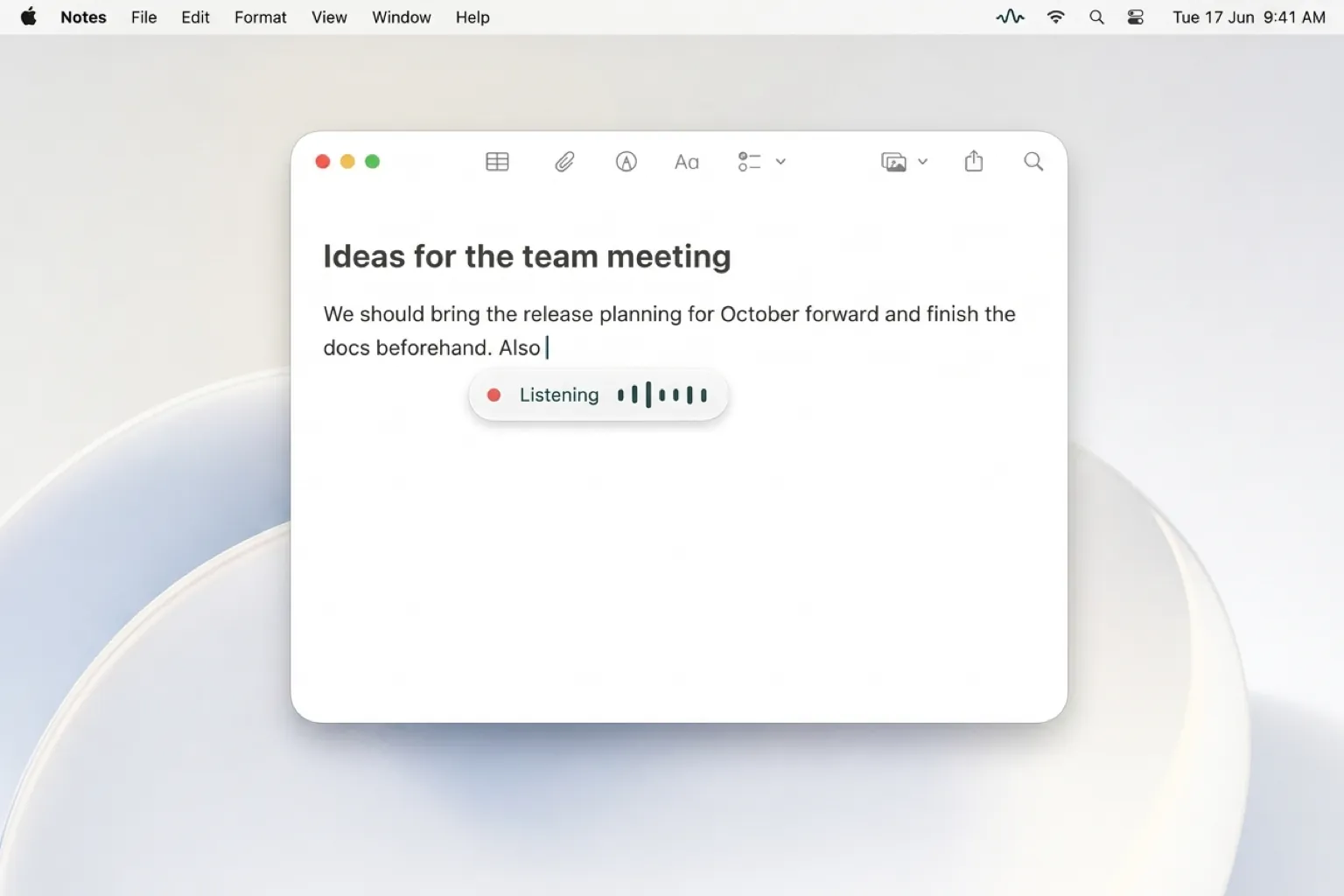
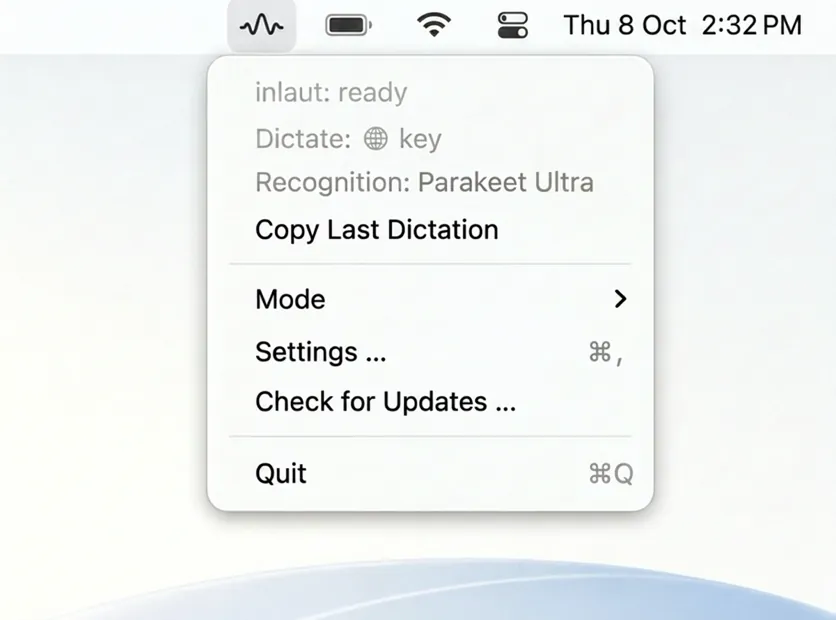
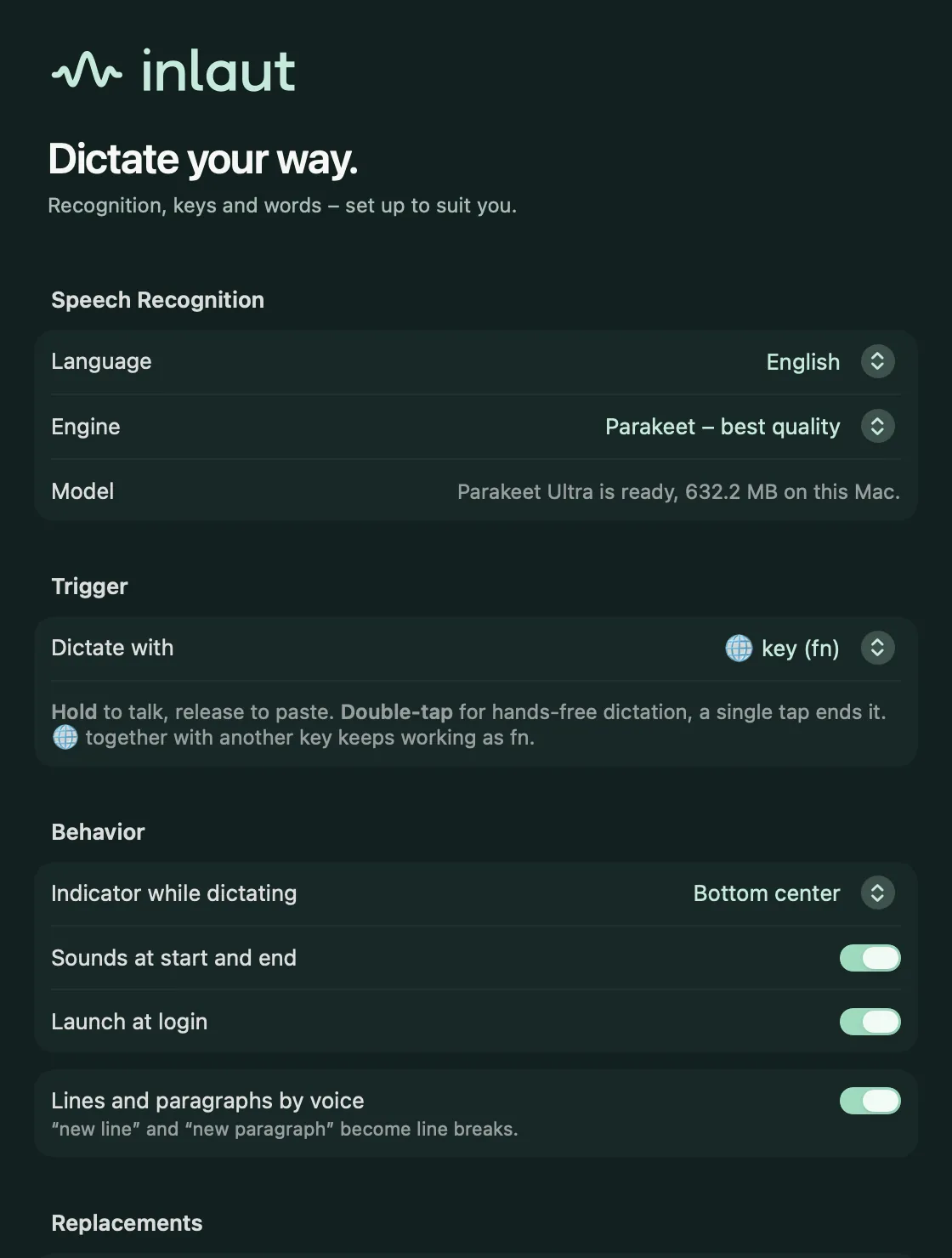
One key is all it takes. inlaut does the rest on your computer.
A thought for later
Say more.
Type less.
The best ideas don’t always come at the keyboard. Sometimes you just have to say them out loud.
Mac: Open the DMG, drag inlaut into Applications, then launch it from there. The app downloads the speech model (around 630 MB) and walks you through microphone and text insertion permissions.
Windows: Read the beta guidance and run the EXE installer. It installs for your user account, with both speech models included. The beta is unsigned, so Windows may display a security warning.
Choose your shortcut on either platform. On Mac, you can also use the 🌐 fn key and double-tap it for hands-free dictation. On Windows, choose in settings whether to hold the key or press it to toggle recording.
inlaut turns your words into text and inserts it at the cursor. In hands-free mode, another key press ends the recording.
For everyone who speaks faster than they type. A few everyday examples.
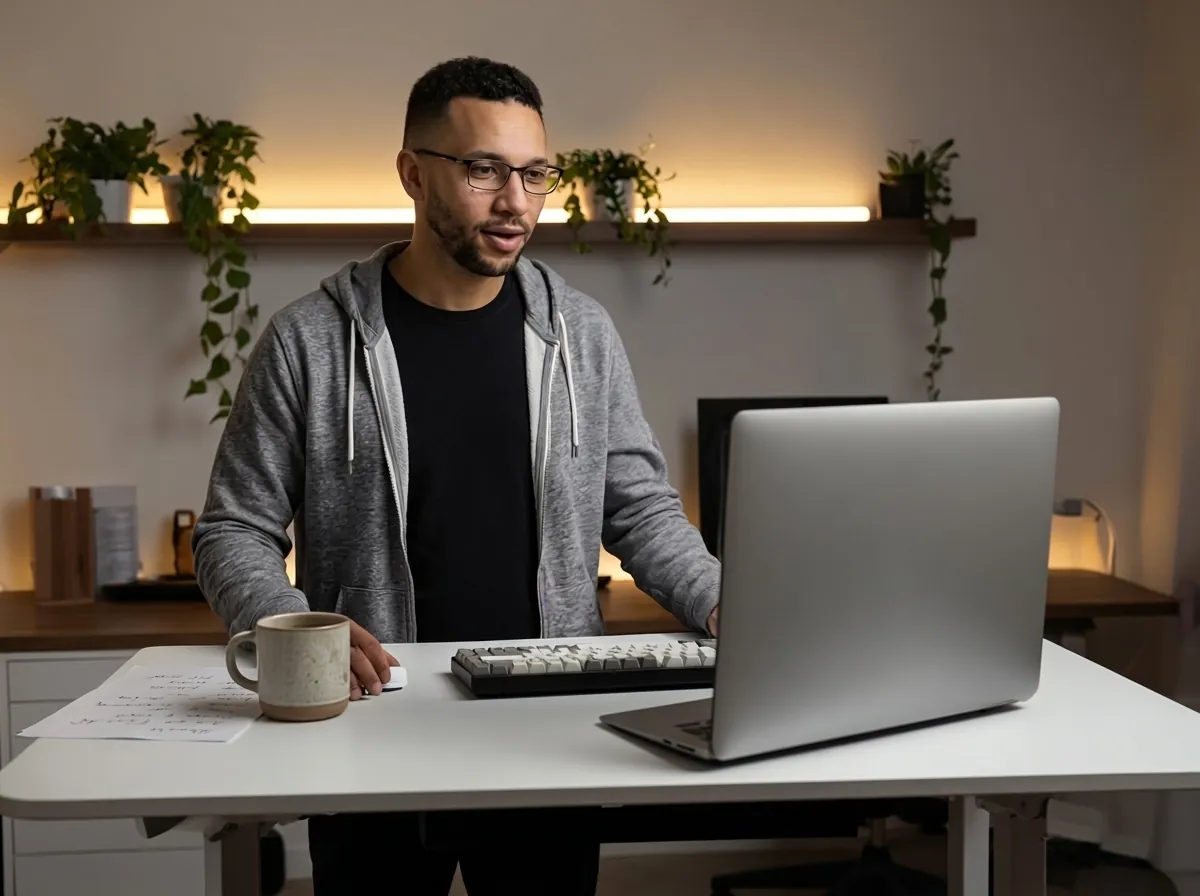 AI-generated
Tickets, commits and Slack replies full of technical terms. Internal project details must not end up on someone else’s servers.
With inlaut: He speaks straight into the ticket. Replacements keep tool names right, and recognition runs locally.
 AI-generated
Typing quotes and customer emails after a long day. And please, no more subscriptions.
With inlaut: Hold the key, talk, let go. With “new paragraph” the quote is structured right away. Free.
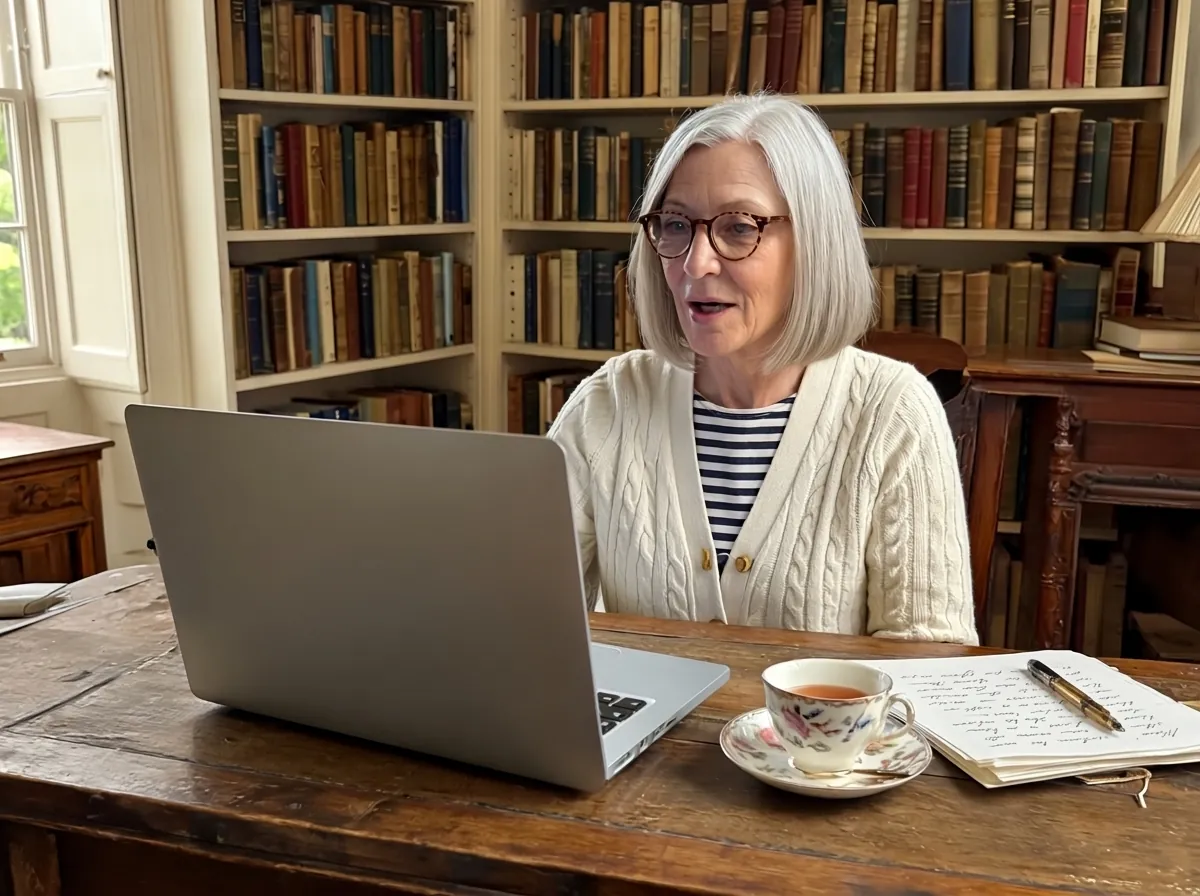 AI-generated
Her thoughts flow faster when she talks than when she types. The manuscript has to stay private.
With inlaut: She starts hands-free mode and dictates whole passages. Speech recognition runs on her computer.
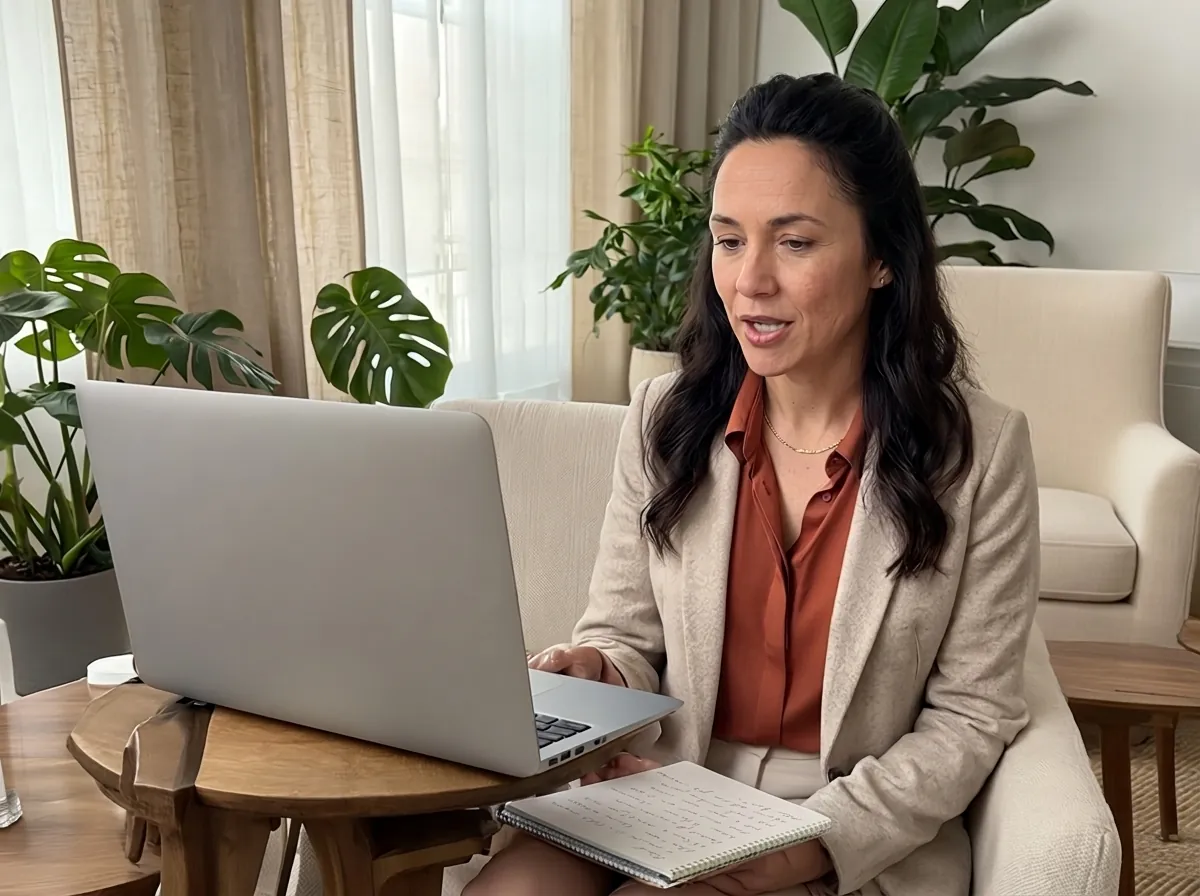 AI-generated
Session notes have to be written down right after each session. And they are confidential.
With inlaut: She speaks her notes into the text field. Normal dictation neither stores recordings nor sends them anywhere.
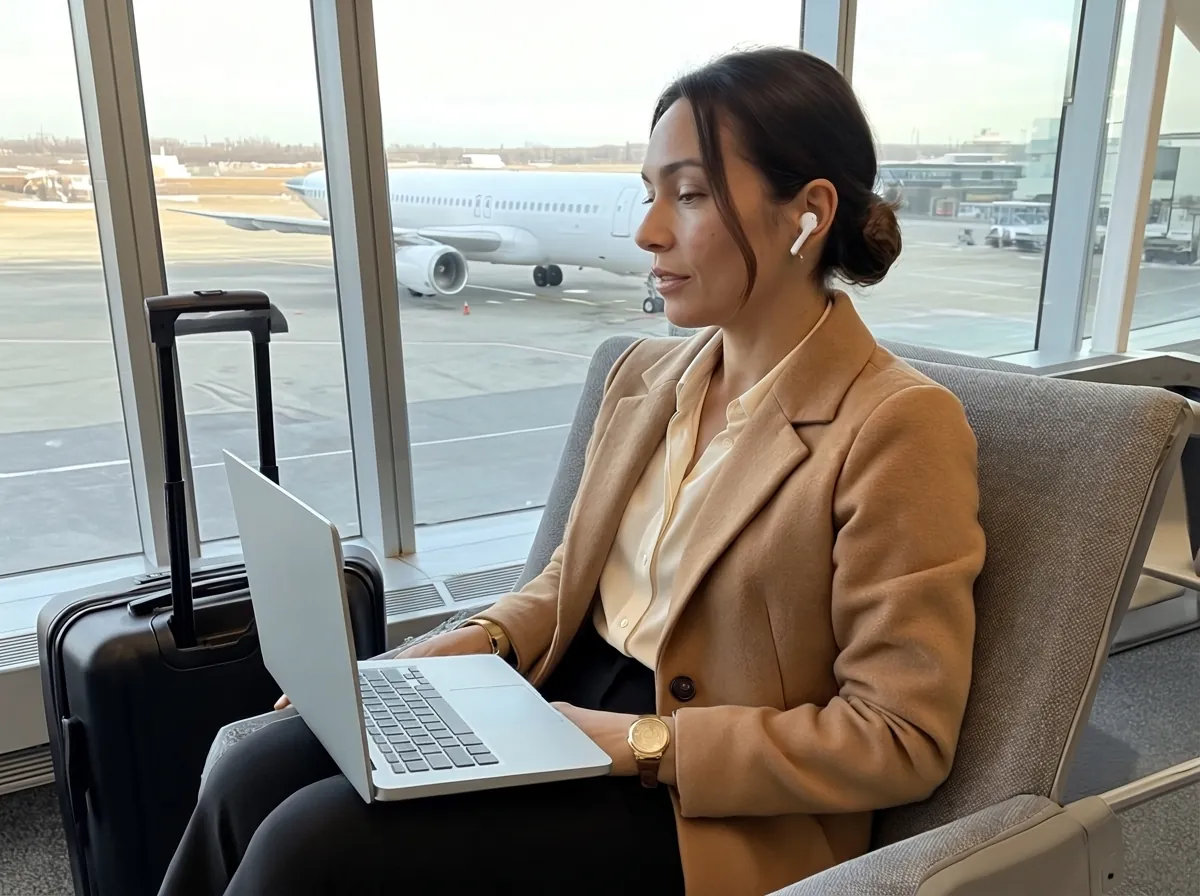 AI-generated
Emails and visit reports at the gate, on the train or on the plane. Often without a connection.
With inlaut: Once set up, inlaut works without internet. On Windows, the speech models are already included in the installer.
 AI-generated
Technical terms, customer names and the product’s own name keep getting misspelled.
With inlaut: Add them once as replacements, and the spelling is right in every app.
 AI-generated
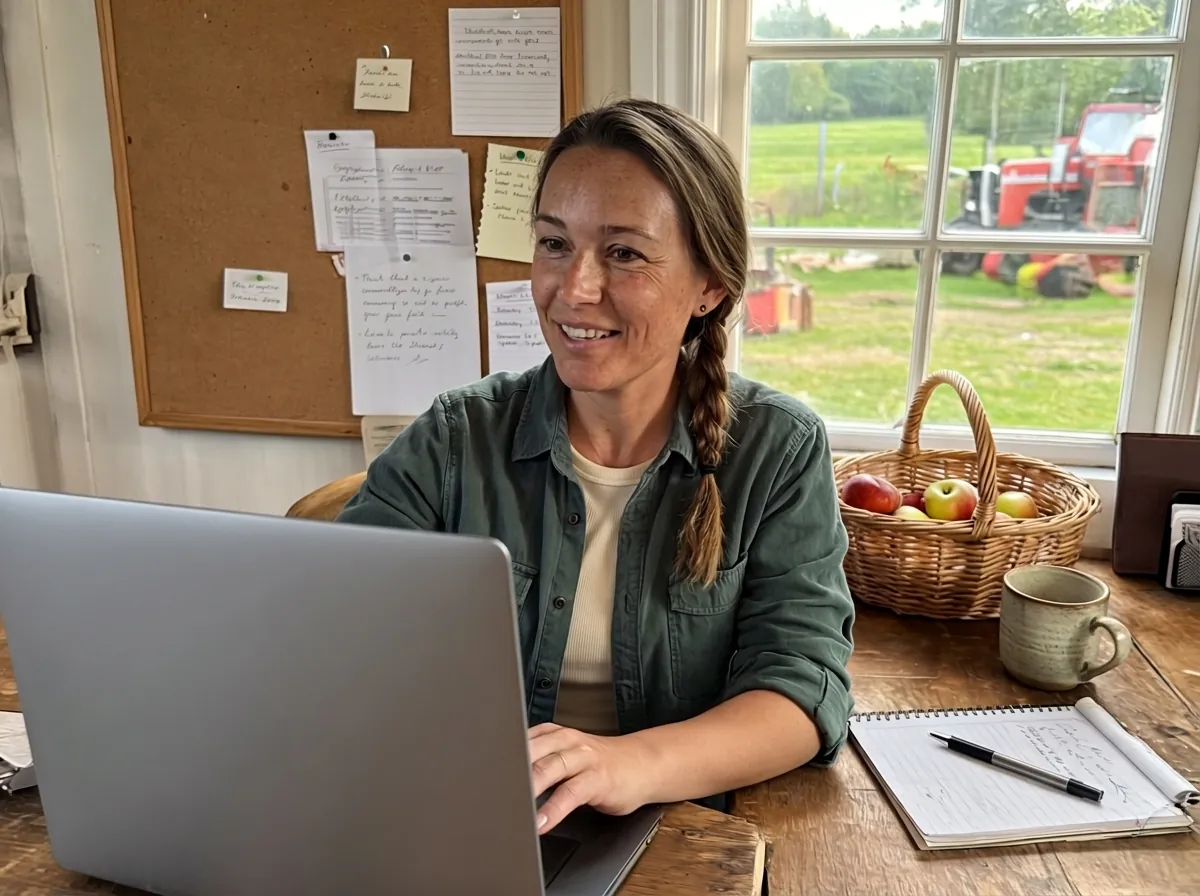
Writing newsletters and posts for the farm shop. On the farm, the signal often drops.
With inlaut: She simply speaks her texts. Once set up, it works without internet too.
 AI-generated
Sunday evening, twenty-two school reports. Every comment still has to be typed.
With inlaut: He speaks the comments, and “new paragraph” structures them. He deliberately starts recording with his shortcut.
 AI-generated
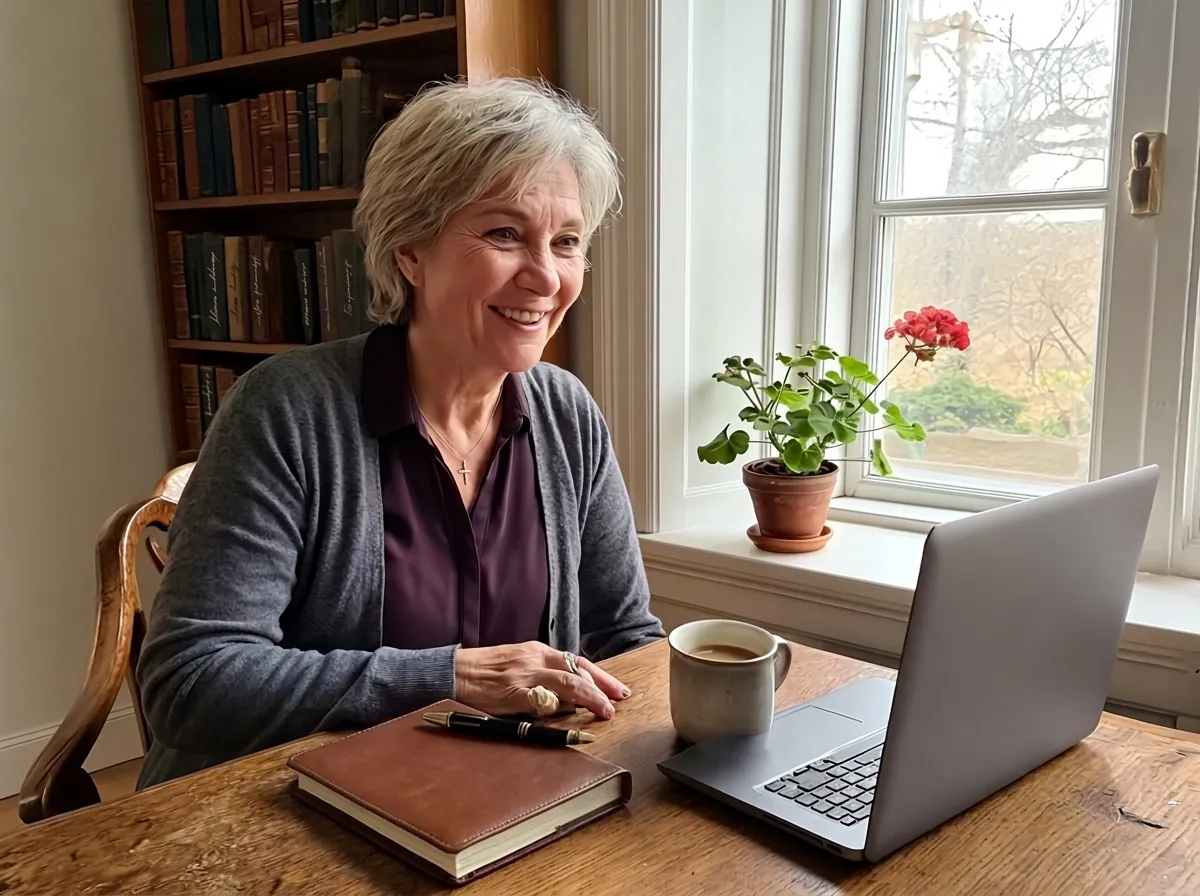
Her sermons take shape as she speaks, and so does the parish newsletter. Names from the congregation often get misspelled.
With inlaut: She dictates straight into the draft. She adds names as replacements, so every spelling is right.
The people are fictional examples. Their images are AI-generated and labeled “AI”.
Learn more: Dictate emails Prompts for AI assistants Convert audio to text
What inlaut can do, what it needs and where your data stays.
Yes. inlaut is free, with no subscription, no account and no ads. The source code is open source under the GPL-3.0 license and lives on GitHub.
Yes. Speech recognition runs on your computer. On Mac, inlaut downloads the speech model on first launch (around 630 MB); the Windows beta includes both speech models in the installer. Downloads and update checks need internet; dictation does not.
No. Your voice is turned into text on your computer. Normal dictation neither sends recordings or text anywhere nor keeps a history. Optional Windows test captures are only saved locally when explicitly enabled. The microphone is active during dictation or an explicitly started microphone test.
inlaut inserts text at the cursor, for example in Mail, Notes, Word, Outlook, a browser or a chat window. On Mac, this needs a one-time permission under Accessibility. Without it, the text stays on the clipboard. Try the Windows beta with your own apps first: insertion is not yet reliable everywhere. More about the beta’s limits.
On Mac: Hold your key combination or the 🌐 fn key, speak and let go. For longer texts, double-tap fn and dictate hands-free. Another key press ends the recording. On Windows, choose your shortcut and recording mode in the settings.
On Mac: English and German, including both mixed in one sentence. The Windows beta offers German or English dictation and interface, selected in settings. Mixed-language dictation is not supported on Windows. The two versions do not yet have identical features.
On Mac, inlaut uses Parakeet Ultra by default; the Windows beta uses separate FastConformer models for English and German. On both platforms, custom replacements can correct recurring recognition errors. Check technical terms, names and numbers before sharing your text.
Yes. Say “new line” or “new paragraph”, and inlaut inserts the break right there.
macOS has its own dictation. inlaut is an alternative with its own speech model, custom replacements, commands for lines and paragraphs and a key of your choice. To set up the built-in feature, see our guide to Mac dictation, or compare them directly in our dictation app comparison.
Mac: Apple silicon (M1 or later), macOS 26 or later. Windows beta: Windows 10 or 11 on an Intel or AMD x64 PC. The Windows installer is unsigned; Windows 11 acceptance testing is still in progress. There is no native Windows ARM, Linux, iPhone or iPad version.
On Mac: Yes. “Transcribe File …” in the menu turns an audio or video file into text, for example the recording of a meeting or a voice message. The result appears in its own window, with time stamps if you like, and can be copied or saved. This, too, happens only on your Mac. inlaut does not tell speakers apart. The Windows beta does not yet offer file transcription.
On Mac: You choose it in the setting “Record with”. With “Automatic”, inlaut uses the Mac’s own microphone while a Bluetooth headset is connected, because headsets take over a second to start recording. You can also follow the macOS setting or pick one microphone. On Windows, you can choose and test a microphone in settings too; the automatic Bluetooth-specific rule is not available there.
On Mac: If you want it to. With the setting “Tidy up dictations”, inlaut leaves out filler sounds such as “uh” and words you said twice by accident. With “Resolve self-corrections (beta)”, “on Monday, no, on Tuesday” simply becomes “on Tuesday”. For that, Apple Intelligence on your Mac checks whether you really corrected yourself; nothing is sent. In both cases inlaut only deletes words and does not rephrase anything. Both settings are off at first and are not available in the Windows beta.
Yes. Under “Snippets” you store longer texts you need again and again, such as a signature or bank details. Say the phrase on its own and inlaut writes the text. Replacements and snippets can be exported together and imported on another computer running inlaut.
The native Windows beta is available as an unsigned download. See the Windows beta page for Windows security warning guidance and requirements. inlaut is not available for iPhone or iPad.
On Mac, open the DMG and drag inlaut to Applications. First launch guides you through the model download and permissions. The Windows beta uses an EXE installer for your user account. The installer is unsigned; Windows may show a security warning during installation.
From one person to another
There’s no company behind inlaut, just me. inlaut is my private project: free and open source, with no ads and no account.
Praise, a bug or a wish: just write to me. Ideally at hallo@inlaut.de or on GitHub.
And if inlaut saves you time, I’d be glad of a coffee: buymeacoffee.com/tobymarks.
Tobias Marks, makes inlaut
Mac: stable release · Windows: unsigned beta, security warning possible. Requirements and guidance.